Mr. Worldwide takes one word — Hello, Love, whatever you want — and turns it into a looping GIF. Each frame is a translation in a different language, optionally over a country photograph. English, then Spanish, then Japanese, then Amharic, then Tibetan, then Yoruba, through 80+ languages.
This post merges the original 2024 writeup with the later technical pass. One project, one page.

Demos
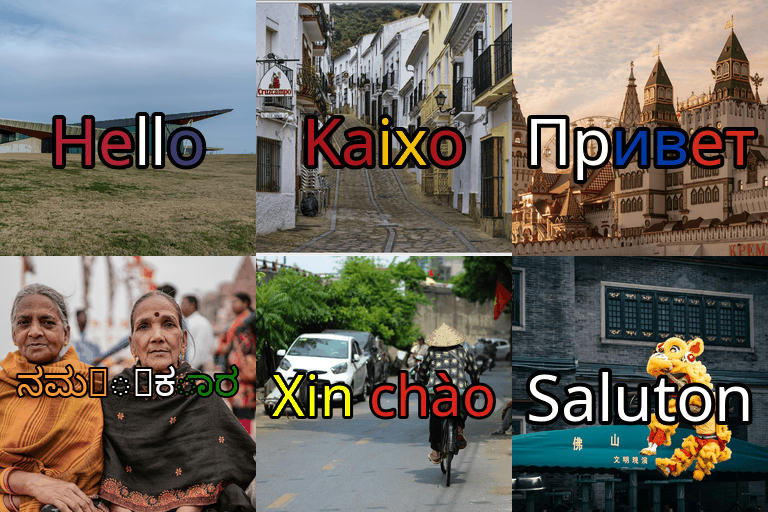
Hello
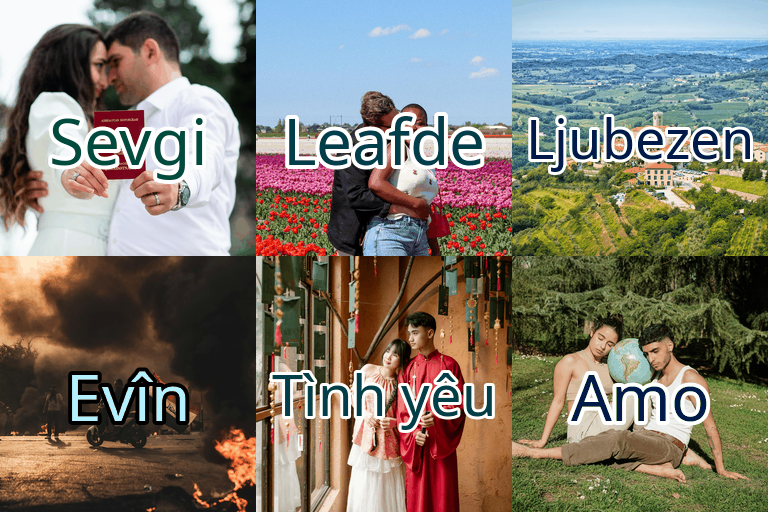
Love
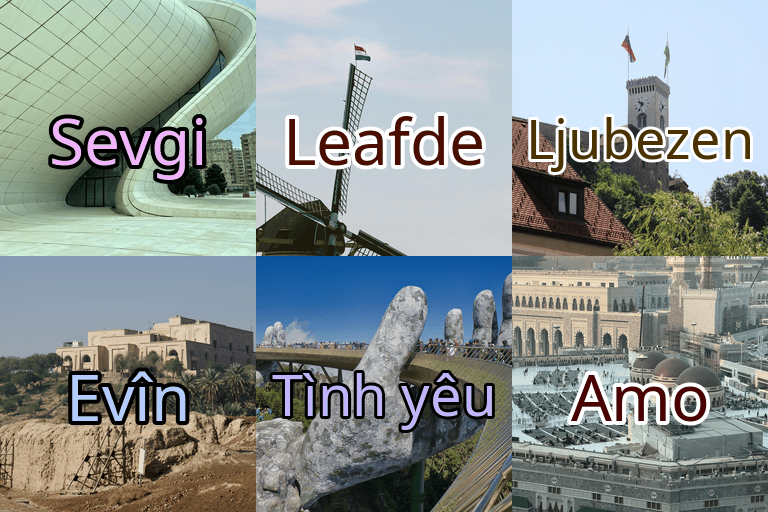
Love with regional backgrounds
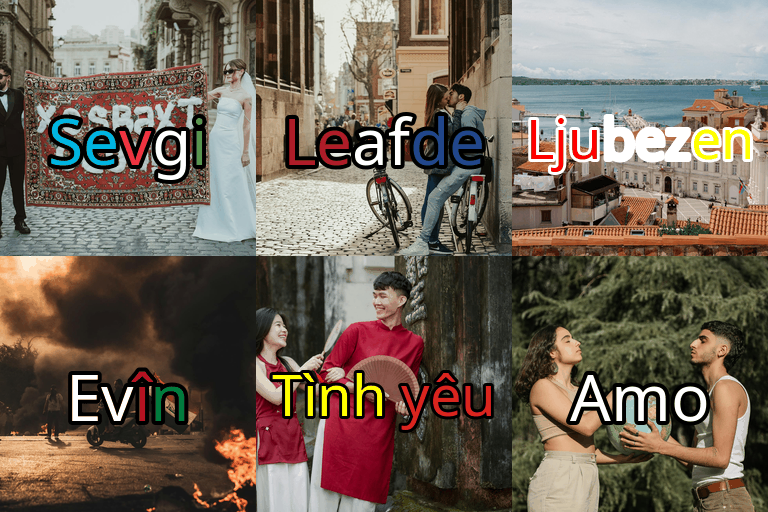
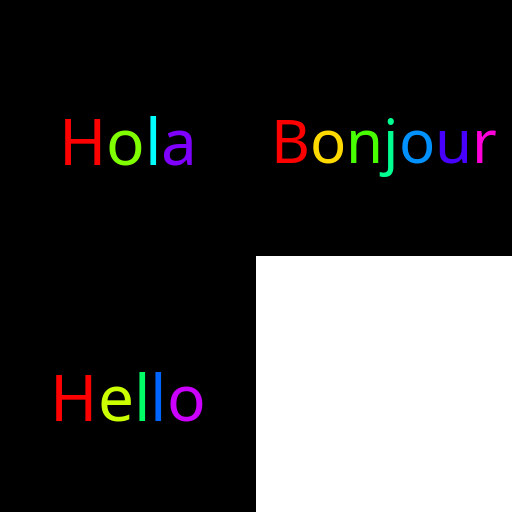
Flag colors and rainbow text
The Hard Problem: Rendering Every Script on Earth
Generating a GIF is easy. Pillow does that in five lines. The hard problem is rendering text correctly in 80+ writing systems.
“Hello” in English uses Latin characters. “こんにちは” uses CJK ideographs. “مرحبا” uses Arabic script (right-to-left). “สวัสดี” uses Thai. “ᓱᓇᑦᓯᐊᖅ” uses Canadian Aboriginal Syllabics. “བཀྲ་ཤིས་བདེ་ལེགས” uses Tibetan. Each of these scripts needs a different font, and many system fonts cover only a handful.
Mr. Worldwide bundles 25+ Google Noto fonts. For each character, it checks the Unicode range and picks the matching Noto face — Arabic → NotoSansArabic, Devanagari → NotoSansDevanagari, CJK → NotoSansCJK, and so on.
Font sizing is automatic too. “Hello” is five compact Latin letters; “こんにちは” is five wide CJK characters. The tool measures rendered width per translation and scales so nothing clips and nothing shrinks into a corner.
Smart Contrast Coloring
White text on a bright sky disappears. Black text on a dark scene disappears. Over a country photograph, legibility is the whole game.
For each background image:
- Cluster pixels into dominant colors with
scipy.cluster.vq.kmeans - Find the strongest background hues
- Pick a text color that maximizes contrast and saturation
Bright cyan over a dark forest. Deep navy over a sunlit beach. Magenta over gray cityscape.
Flag-Color Text
Alternate mode: paint each character from the country’s flag palette. “Hola” in Spanish red/yellow/red. “Bonjour” in blue/white/red. “Hallo” in black/red/gold.
Flag colors come from SVG fills in banderas/. Characters cycle through the palette.

Install
git clone https://github.com/juleshenry/mr.worldwide.git
cd mr.worldwide
bash setup.sh
source venv/bin/activate
Background images are optional:
python3 src/download_assets.py
Make a GIF
Full experience — translations, backgrounds, smart contrast:
python3 src/mr_worldwide.py \
  --text "Love" \
  --use_icons \
  --smart_color \
  --delay 500 \
  --gif_path "love_worldwide.gif"
Text only:
python3 src/mr_worldwide.py --text "Hello" --size "512,512" --delay 500
Custom sequence:
python3 src/mr_worldwide.py \
  --text_array "Hola,Bonjour,Ciao,Hallo" \
  --rainbow \
  --delay 300
Options
| Option | Description |
|---|---|
--text |
Word to translate (Hello, Love, …) |
--text_array |
Custom comma-separated strings instead of translations |
--use_icons |
Country-specific background images |
--smart_color |
High-contrast text colors from the background |
--rainbow |
Shifting rainbow text |
--use_flag_colors |
Color text from the country’s flag |
--sine_delay |
Dwell on each frame in a sine rhythm |
--size |
width,height |
--delay |
Milliseconds between frames |
--languages |
ISO codes or all |
--gif_path |
Output path |
The example gallery has permutation scripts for the major flag combinations, each with a pre-generated demo GIF.
Design Decisions
Local translations, not an API. The 80+ strings live in translations.json. Machine-translation APIs are rate-limited, cost money, and wobble on single-word context-free inputs. Curated translations stay verified and stable.
Deduplication. “Hello” is “Halo” in both Indonesian and Malay. Identical strings collapse to one frame.
Geographic ordering. Europe → Asia → Africa → Americas → Oceania, with a few priority languages first, so the GIF walks the map instead of shuffling a bag of codes.
Background sourcing. Country photos come from Pexels and Wikimedia Commons into per-country directories. A random pick per country means regenerating the same flags still changes the pictures.
Internationalization stops being a terminal problem the moment text has to sit on an image. Fonts, sizing, contrast, and sequence are the actual engineering. The GIF is just what you send your friends when it works.